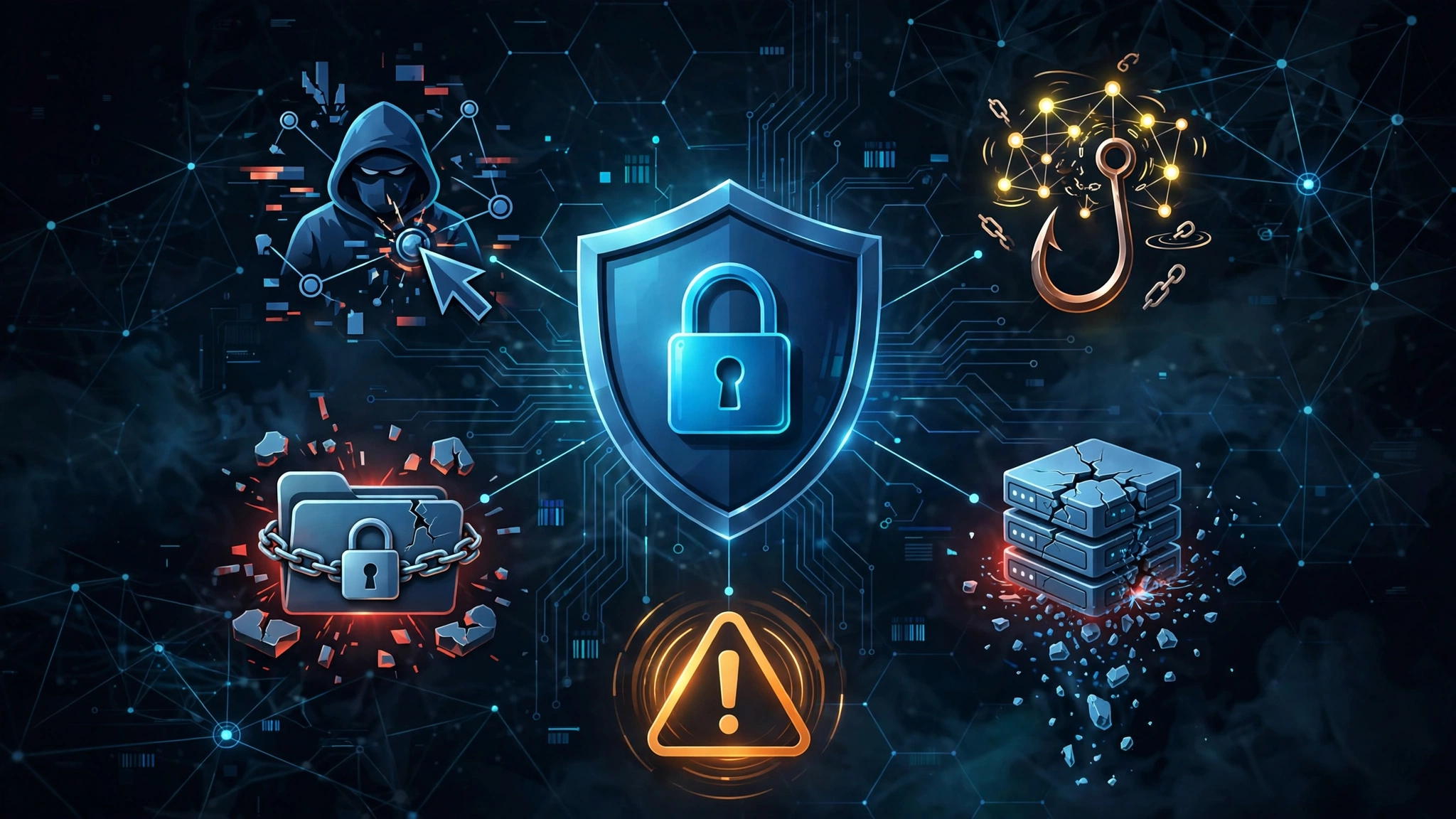
Every time you click a link, check an email, or connect to public Wi-Fi, you enter an ecosystem where cyberattacks occur constantly. Organizations worldwide face thousands of cyberattacks every single week, with threat actors targeting individual users just as aggressively as major corporations.
As technology advances, attackers are moving beyond basic computer viruses to deploy sophisticated, psychological, and automated schemes designed to bypass standard antivirus protection. Securing your online presence requires recognizing how digital threats operate and taking proactive steps to defend yourself.
AI-Powered Phishing and Hyper-Realistic Deepfakes
Phishing has evolved far beyond poorly written emails asking for bank transfers. Today, cybercriminals leverage generative artificial intelligence, natural language processing, and advanced media synthesis to craft hyper-personalized, convincing scams.
How AI Phishing and Voice Cloning Work
Attackers use public social media data, breach databases, and AI algorithms to build targeted profiles. Instead of generic messages, you might receive an email that perfectly mimics the tone, vocabulary, and branding of your employer, bank, or favorite online store.
Even more alarming is the rise of deepfake technology:
- Voice Cloning: Cybercriminals can clone a familiar voice using just a few seconds of audio harvested from a video call or social media post, allowing them to impersonate relatives or executives over the phone to demand immediate money or access codes.
- Synthetic Video Calls: Scammers use real-time face-swapping software during video meetings to trick individuals into authorizing payments or revealing sensitive passwords.
Defense Strategies
- Verify Through Secondary Channels: If you receive an urgent request for money or confidential data—even from someone you know—contact that person using a known, trusted phone number rather than replying directly.
- Inspect Technical Identifiers: Always check the sender’s full email address (not just the display name) and hover over links to inspect the destination domain before clicking.
- Establish Security Passwords: Create a private “family safety word” or passphrase to verify identities during unexpected emergency calls.
Next-Generation Ransomware and Extortion Schemes
Ransomware remains one of the most financially devastating cyber threats on the internet. Modern ransomware doesn’t just lock up your device; it uses double and triple extortion tactics to force compliance.
The Evolution of Ransomware
Traditionally, ransomware encrypted a victim’s personal files or operating system and demanded a cryptocurrency payment for the decryption key. Modern operations have escalated their tactics:
- Double Extortion: Attackers exfiltrate sensitive personal photos, financial records, or medical history before encrypting your drive. If you refuse to pay for the decryption tool, they threaten to publish your confidential data on public forums or the dark web.
- Supply Chain Hijacking: Cybercriminals target software vendors, cloud storage providers, or smart home platforms, deploying ransomware to thousands of connected users through a single corrupted update.
Attacker Infiltrates System ➔ Exfiltrates Sensitive Data ➔ Encrypts Local Drives ➔ Demands Ransom for Key + Suppression
Defense Strategies
- Follow the 3-2-1 Backup Rule: Keep 3 copies of your data across 2 different storage media types, with 1 copy stored entirely offline or in an air-gapped system.
- Restrict Administrative Privileges: Avoid using an administrator account for everyday web browsing and app usage; standard user accounts limit the system-wide damage ransomware can cause.
- Keep Software Updated: Regularly update your operating system and applications to patch known system vulnerabilities before exploit kits can leverage them.
Credential Stuffing and Session Hijacking
Password reuse remains a massive vulnerability for everyday internet users. When a single web service suffers a data breach, user credentials rarely stay contained.
Exploiting Stolen Digital Identities
Cybercriminals deploy automated bots to execute credential stuffing and session hijacking attacks:
- Credential Stuffing: Attackers take lists of leaked username and password combinations from past breaches and automatically test them across thousands of popular websites (social media, banking, streaming, and retail). Because many users reuse passwords, a breach on an obscure web forum can unlock your primary email or financial accounts.
- Session Hijacking (Info-Stealers): Malware designed to harvest browser cookies can bypass traditional password protection entirely. By stealing your active “session tokens,” attackers can clone your browser state and log into your accounts without needing your password or entering a secondary authentication code.
| Attack Method | Target Asset | Primary Objective |
| Credential Stuffing | Username/Password Combos | Automated account takeover across multiple platforms |
| Session Hijacking | Browser Cookies & Session Tokens | Bypassing active Multi-Factor Authentication (MFA) |
| Info-Stealer Malware | Autofill Data & Crypto Wallets | Extracting saved credentials and financial data |
Defense Strategies
- Adopt a Password Manager: Use a dedicated password manager to generate and store unique, complex passwords for every single online account.
- Use Modern Multi-Factor Authentication: Opt for app-based authenticators (like Google Authenticator or Microsoft Authenticator) or hardware security keys (such as YubiKeys) rather than SMS-based verification codes, which can be intercepted via SIM-swapping.
- Audit Active Sessions: Frequently review and log out of active user sessions in the security settings of your major accounts.
Zero-Day Exploits and Malvertising
Even cautious internet users can fall victim to attacks that require no direct interaction or bad clicks. Software vulnerabilities and compromised network channels make passive infection a persistent threat.
How Drive-By Attacks Infection Occurs
Cybercriminals actively scan the web for unpatched code and security vulnerabilities that vendors haven’t discovered or fixed yet—known as Zero-Day vulnerabilities.
- Malvertising: Attackers buy legitimate ad space on high-traffic, reputable websites and embed malicious code inside the advertisement graphics. Merely loading the webpage can trigger a “drive-by download” that silently installs malware onto your device without your knowledge.
- Browser Exploits: Compromised web scripts can exploit outdated web browser plugins, media parsers, or PDF readers to execute background code and gain elevated access to your system memory.
Defense Strategies
- Enable Automatic Updates: Turn on automatic updates for your operating system, web browsers, and extensions so critical security patches apply as soon as vendors release them.
- Use Ad-Blockers and Script Controls: Employ trusted ad-blocking tools and privacy-focused browser extensions to stop third-party code networks from rendering unvetted scripts.
- Uninstall Unused Software: Minimize your overall digital attack surface by removing old browser extensions, unused applications, and outdated software utilities.
Man-in-the-Middle (MitM) Attacks and Rogue Hotspots
As remote work and mobile internet usage remain standard, public Wi-Fi networks have become prime hunting grounds for intercepting unencrypted network traffic.
Intercepting Private Communications
When you connect to an open network at an airport, hotel, or coffee shop, your online activity can be monitored or altered using several techniques:
- Evil Twin Access Points: Attackers set up a rogue wireless router with the exact same SSID (network name) as a legitimate venue—such as
CoffeeShop_Free_WiFi. Once you connect, all your internet traffic passes directly through the hacker’s device. - SSL Stripping: Cybercriminals execute active network attacks to force your browser to communicate with websites via unencrypted HTTP instead of secure HTTPS, exposing login credentials, session cookies, and credit card numbers in plain text.
Defense Strategies
- Always Connect via a VPN: Use a reputable Virtual Private Network (VPN) when accessing public Wi-Fi networks. A VPN creates an encrypted tunnel that shields your traffic from local eavesdroppers.
- Enforce HTTPS Everywhere: Ensure your web browser defaults to secure connections and alerts you whenever a site attempts to load over an unencrypted connection.
- Disable Auto-Connect: Turn off auto-connect settings for open Wi-Fi networks on your smartphones and laptops to prevent your devices from automatically connecting to malicious hotspots.
Practical Cyber Hygiene Checklist
Building robust digital security doesn’t require a degree in computer science. Incorporate these foundational security habits into your daily digital routine:
- Audit Passwords: Eliminate reused passwords across all critical services using a password manager.
- Enforce Multi-Factor Authentication: Turn on multi-factor authentication across email, banking, and social media channels.
- Automate System Patching: Keep software, firmware, and operating systems set to auto-update.
- Review App Permissions: Periodically check your mobile devices and remove unnecessary permissions (location, microphone, camera) granted to apps.
- Practice Healthy Skepticism: Treat unsolicited communications, urgent financial demands, and unexpected attachments as suspicious until verified.
By staying informed about emerging online vectors and implementing these protective practices, you drastically lower your risk profile and safeguard your personal identity, devices, and digital assets.